Layout Builder
What is the Layout Builder?
Drupal's Layout Builder is a visual design tool which allows content editors and site builders to easily and quickly create visual layouts for displaying content. Users can customize how content is arranged on a single page, or across types of content, or even create custom landing pages with an easy to use drag-and-drop interface. TheMAG utilizes and extends Drupal Layout Builder to make website building as simple and easy as ever..
Adding Sections
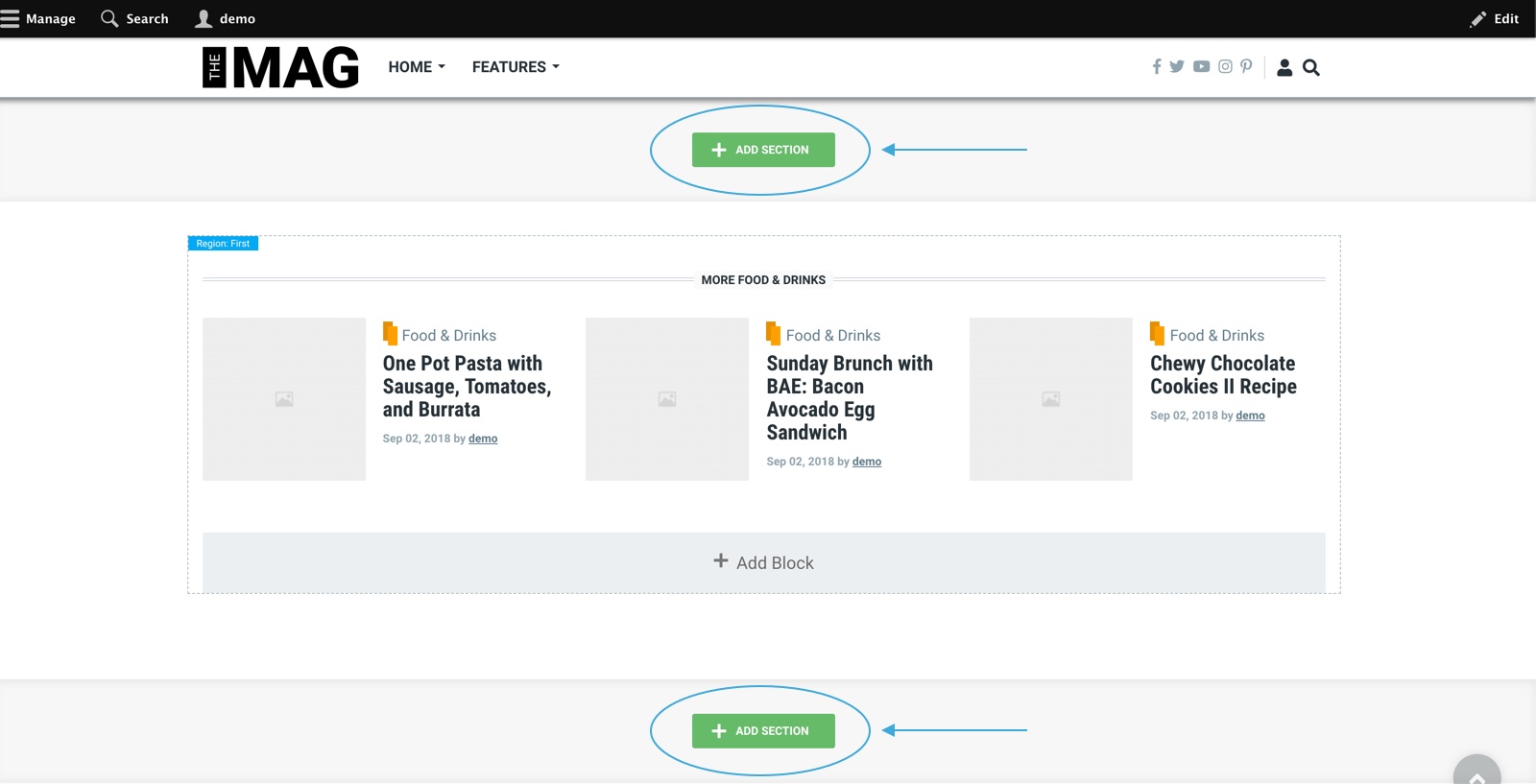
Sections are the top-level building blocks of Page Layouts. To add a section:
- Click on the Add Section button.
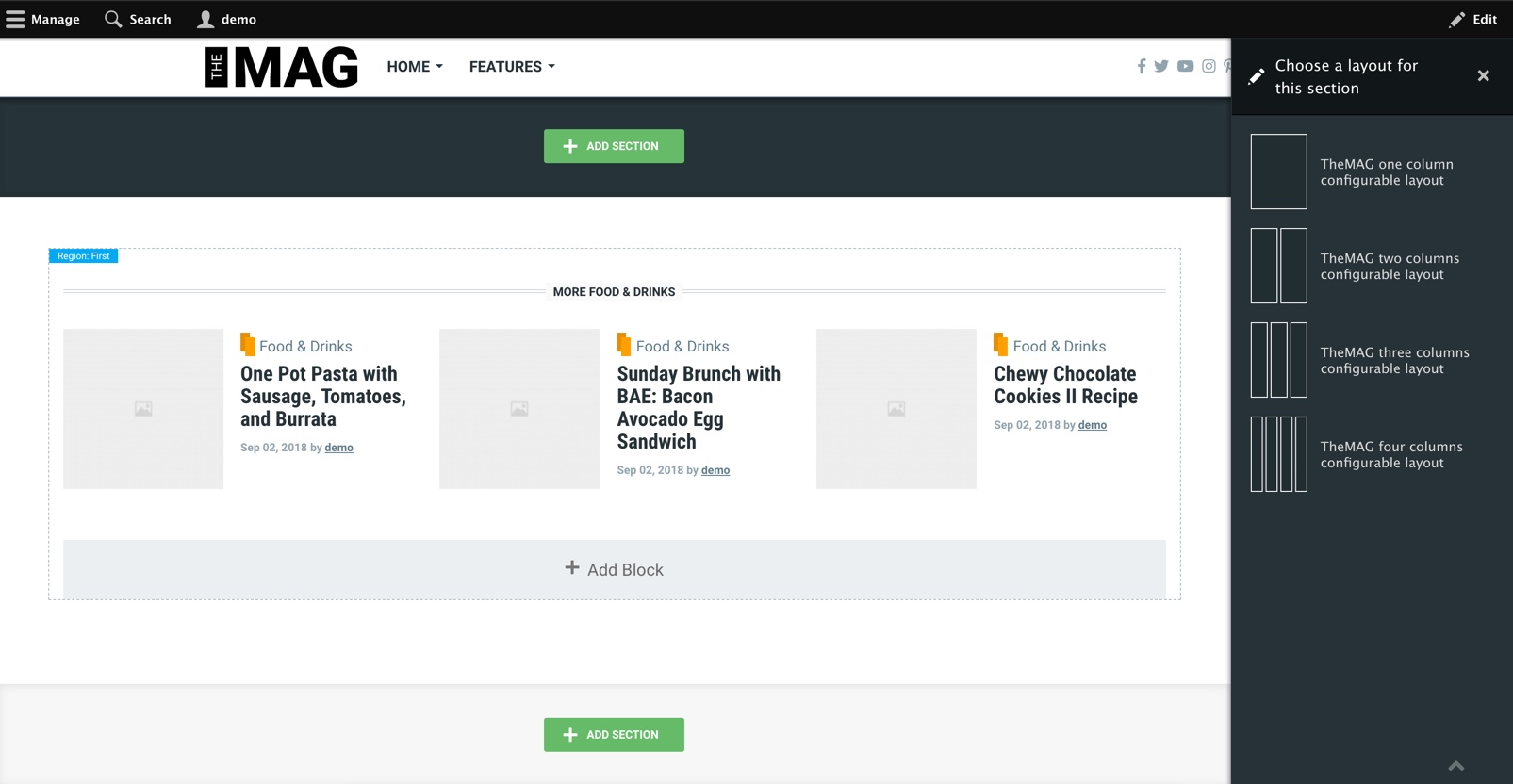
- Select a layout for the section. TheMAG comes with four highly configurable layouts.
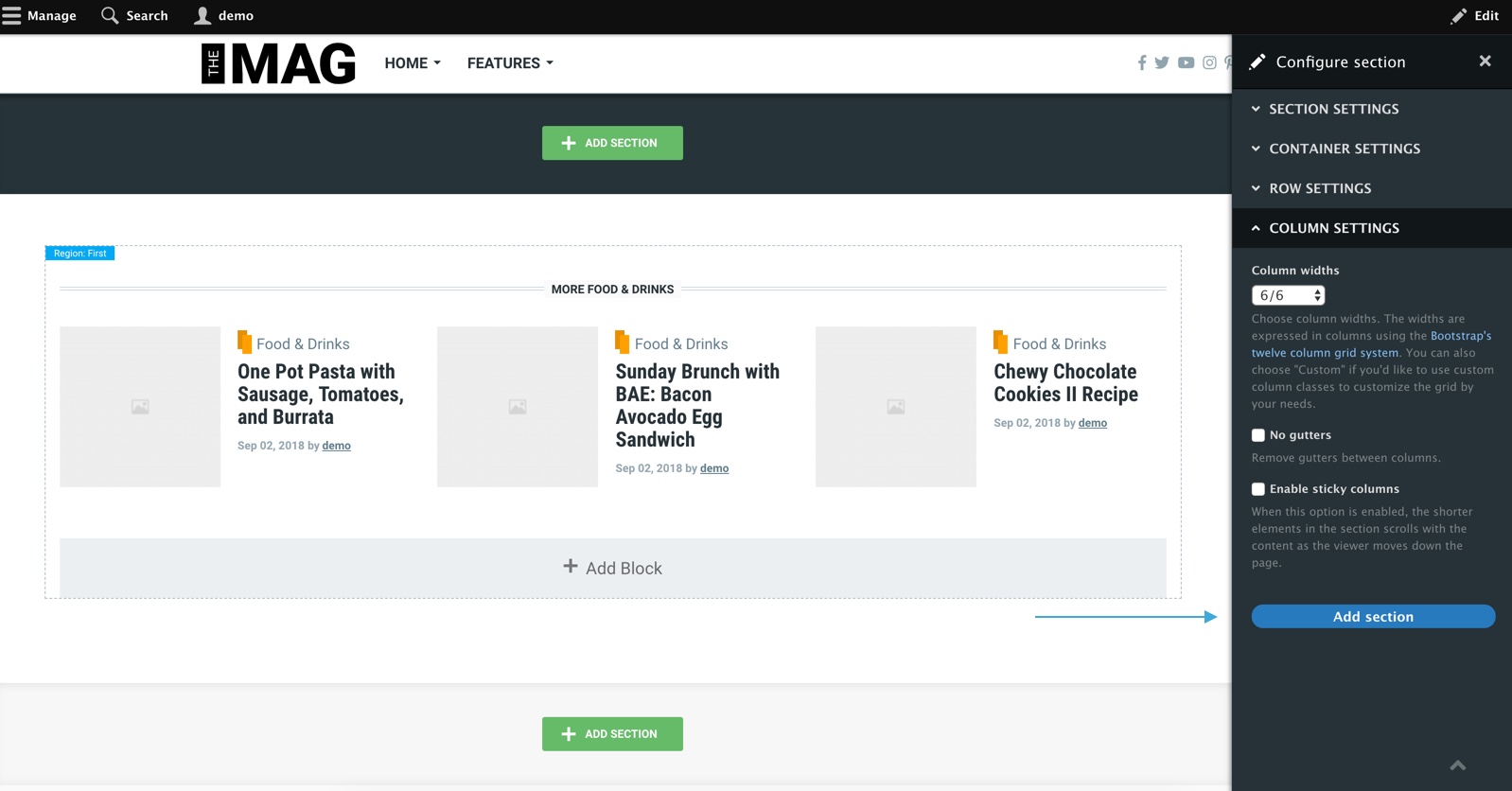
- Configure the layout section by your need and click on the Add section button.
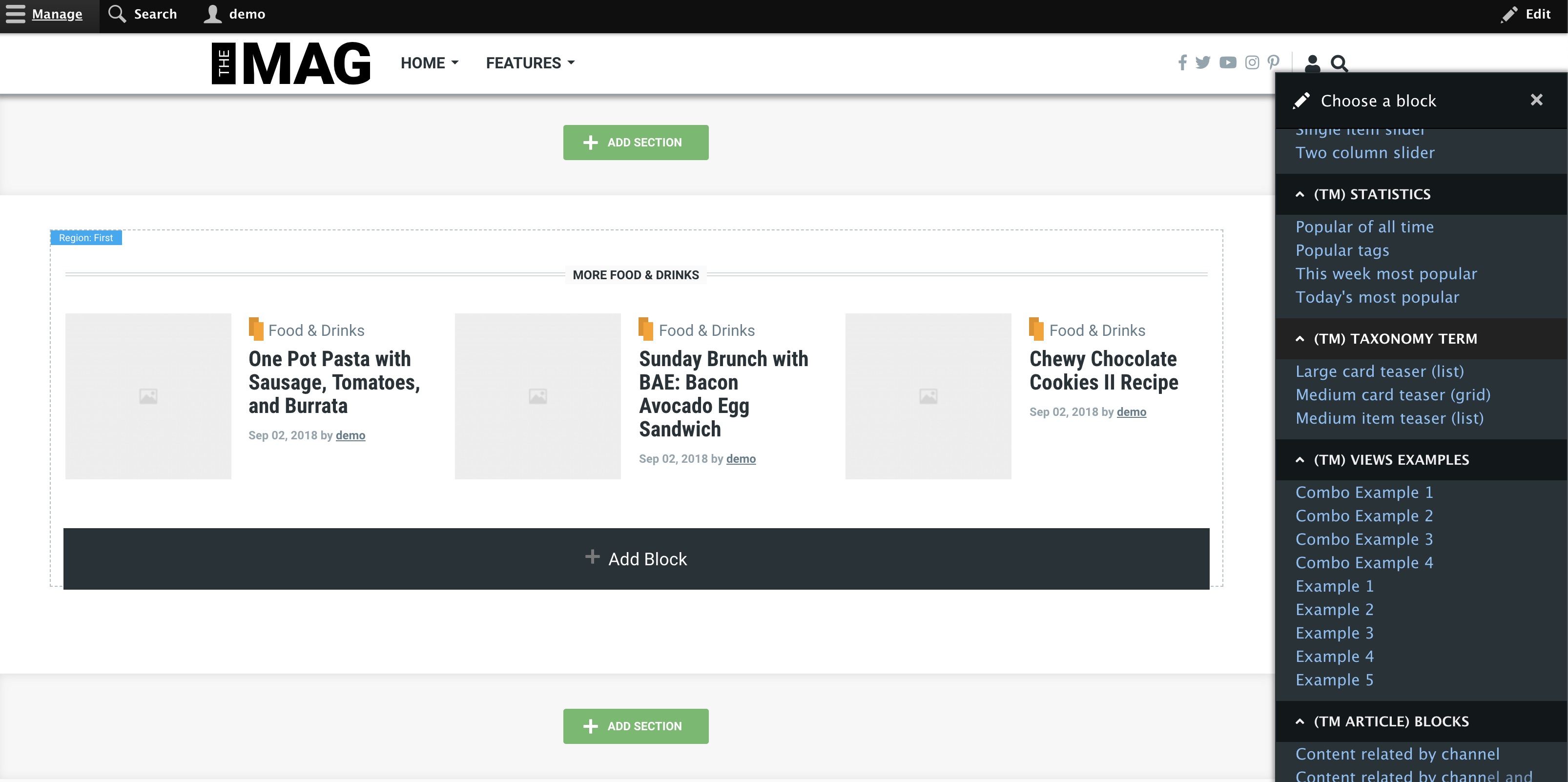
Adding Blocks
Once the section is created, you can start adding content (block) to the layout. Each column (region) has an Add Block link. Clicking “Add Block” opens a dialog where you can choose the content to add.